FR EN

How we work

What happens between your message and your site being fixed

No round promises. Here are the delays actually recorded across our last 499 jobs, and what we need from you at each step.

The five steps, in order

Time markers are medians computed from our tickets, not a reconstructed story. At each step: what we do, what we ask of you, what it costs.

  1. Start you write

    Describe the failure — one sentence is enough

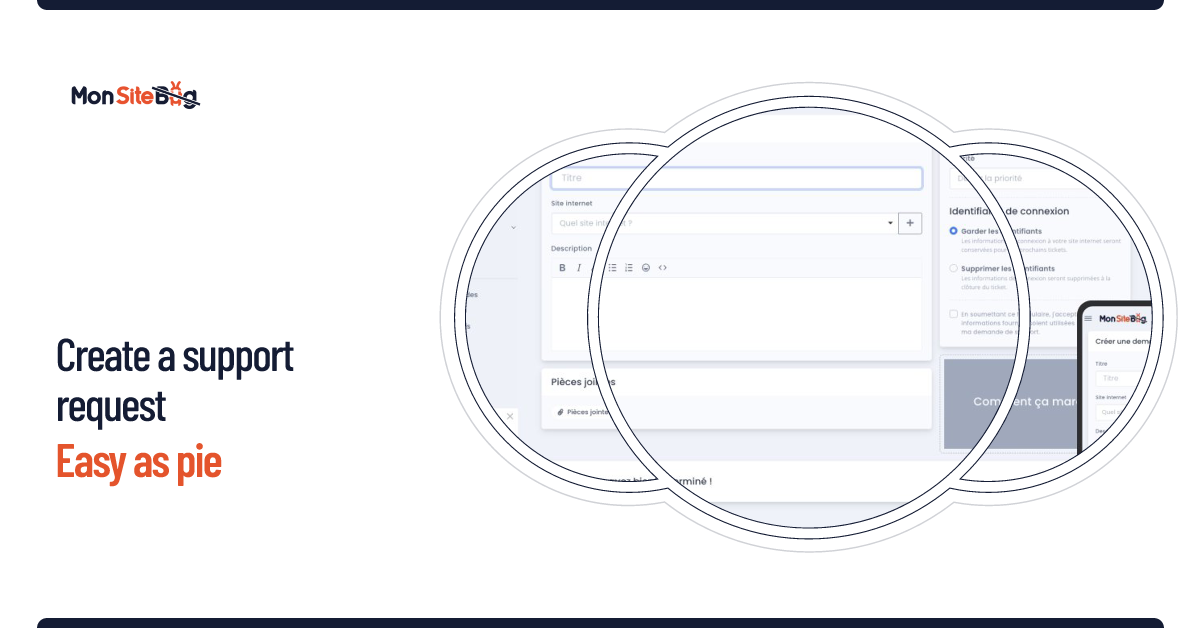
    One field, not a questionnaire. The site address and what you see on screen. If you cannot name the problem, describe the symptom: translating it is our job.

    You provide: the site address Free

  2. +4 min median

    Someone actually reads it, and replies

    Not an automated acknowledgement: a technician has looked. At this point we tell you whether the problem is identified, whether we need access, and the order of magnitude.

    62% of requests in under 10 minutes Free

  3. Diagnosis before any quote

    We look at the site before naming a price

    This is when access becomes necessary. We quote after looking, never before: a quote made without looking is a wrong quote, and you are the one paying the gap.

    You provide: the credentials First hour free

  4. Go-ahead you decide

    Nothing starts until you say yes

    Backup first, fix second. You follow the exchange live in your account and can stop at any point.

    Backup before any change Stop at any time

  5. Delivery and invoice

    What changed, and why

    The ticket keeps a record of everything: what we found, what we changed, the time spent. The invoice reflects exactly that, line by line.

    History kept in your account Billed on time actually spent

The question nobody dares ask: credentials

This is the real blocker before handing a site to someone. It deserves a straight answer.

What we ask for

Depending on the failure: back office, FTP or SSH, database, sometimes the host. Never more than the job at hand requires.

Where it is kept

In a dedicated area of your account, attached to the site concerned. Never in an email thread or an attachment.

For how long

An automated task purges credentials from the platform three days after the ticket is closed. It is a scheduled job, not an intention.

Your best protection

Change your credentials once the job is done. It is the one measure that depends on nobody but you, and we encourage it every time.

What your account looks like

A real question, but one that comes after the others. Here is the gist.

Screenshot of the customer area: list of sites and requests
Your account sites, requests and invoices in one place
Screenshot of the conversation thread on a support request
The conversation live exchanges, everything on record
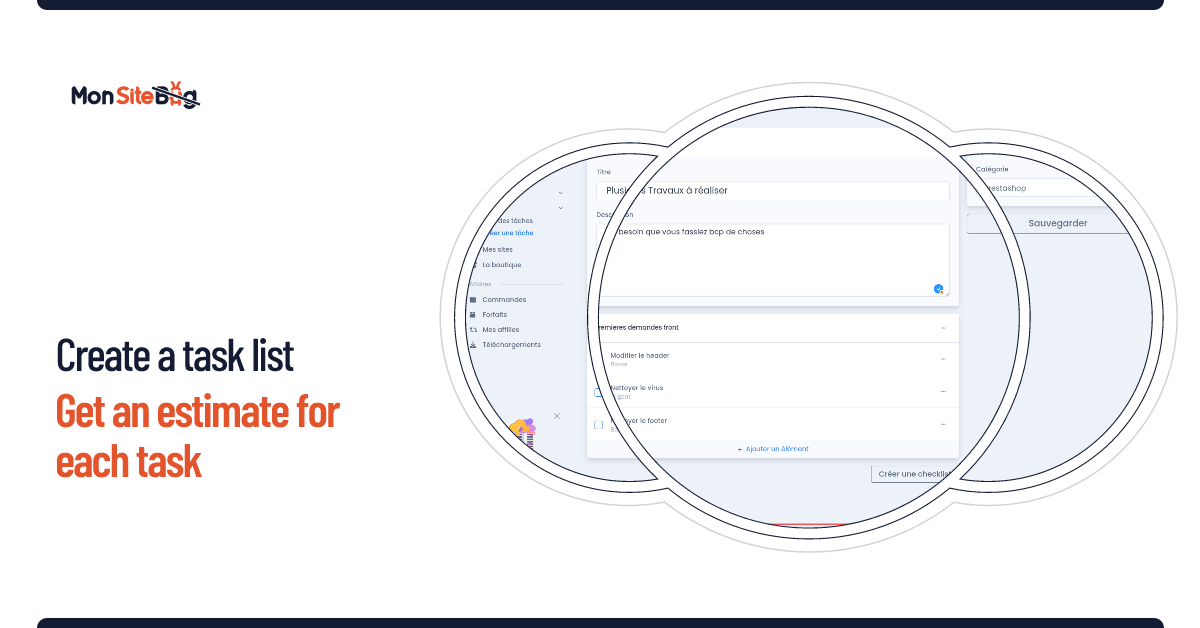
Screenshot of a work list with an estimate per line
Work lists one estimate per line, accepted separately

You read this far — describe the failure

The diagnosis costs nothing, and the first hour of work is free.